What is included
The gallery uses images collected from the Steam page and the referenced XenoFeels Wiki site. Each image includes alt text, a caption, and a source URL.
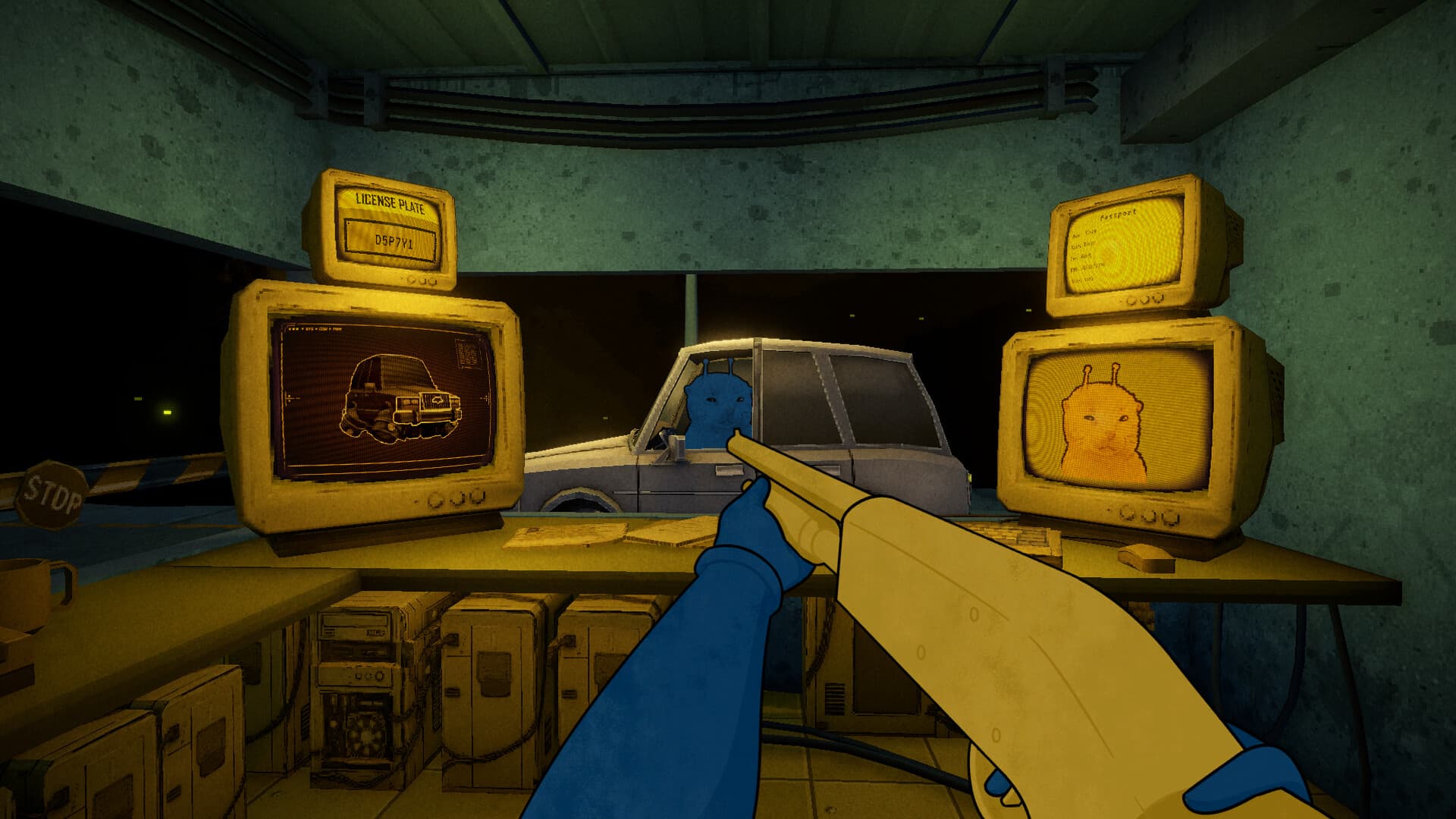
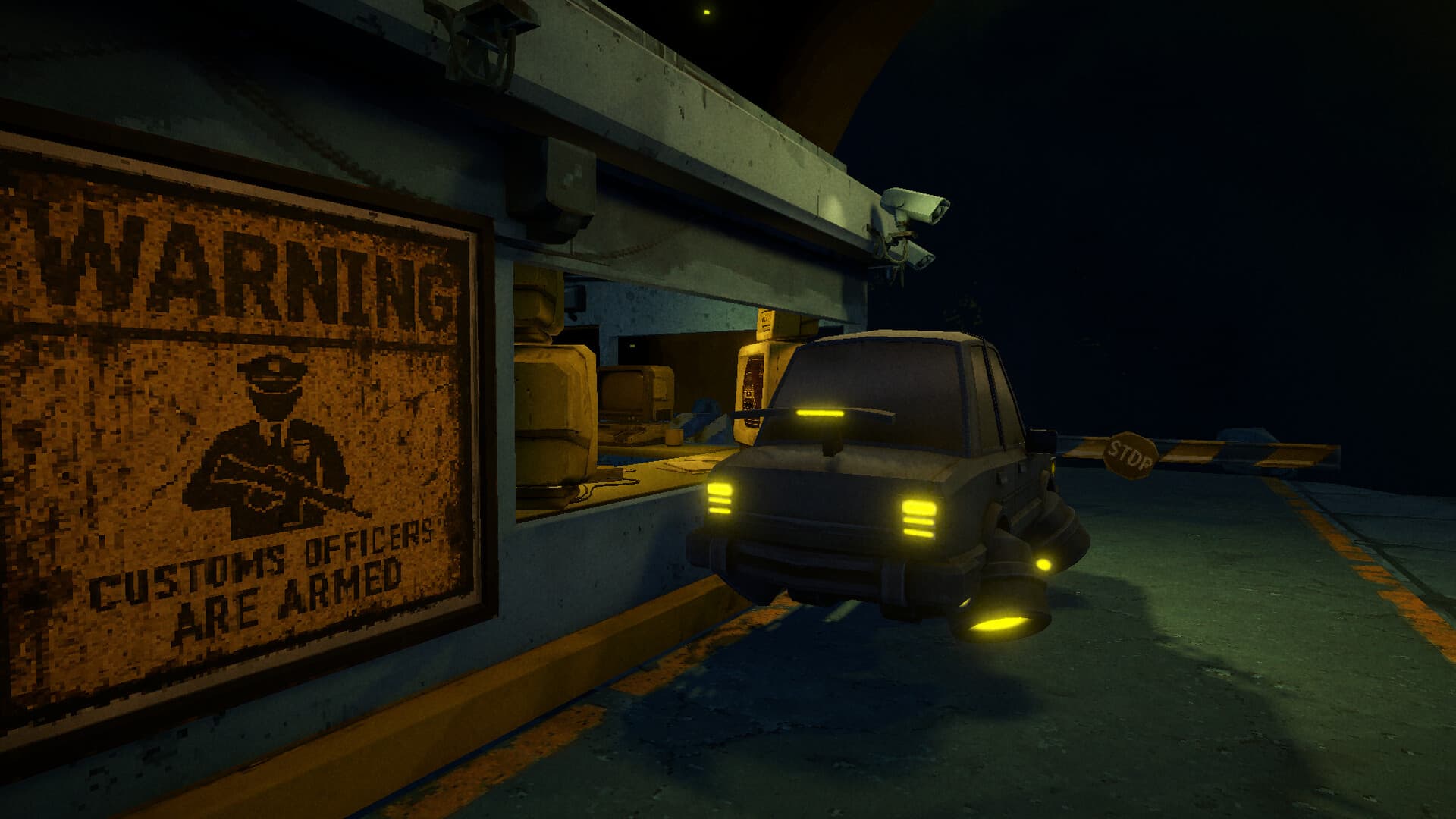
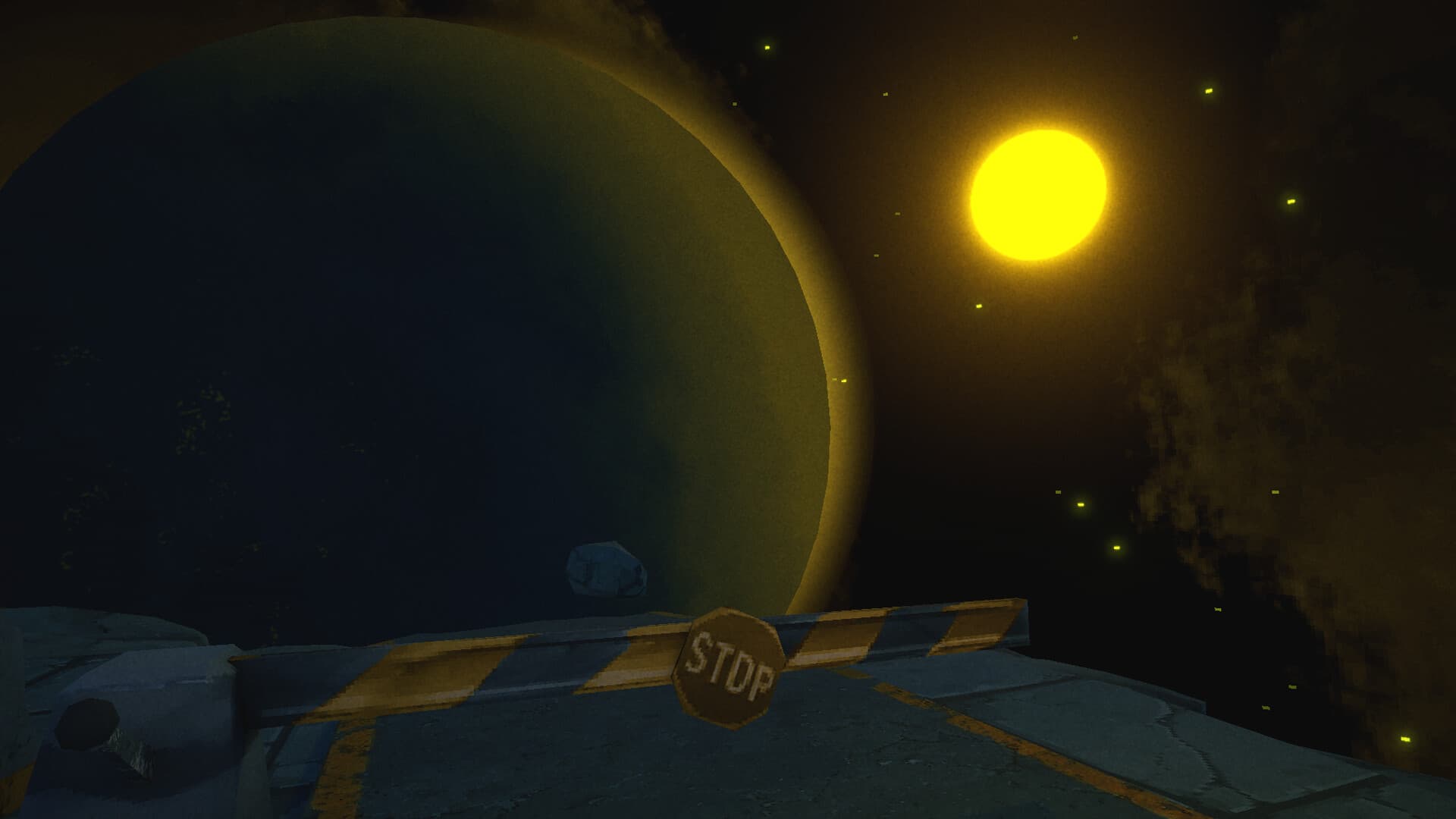
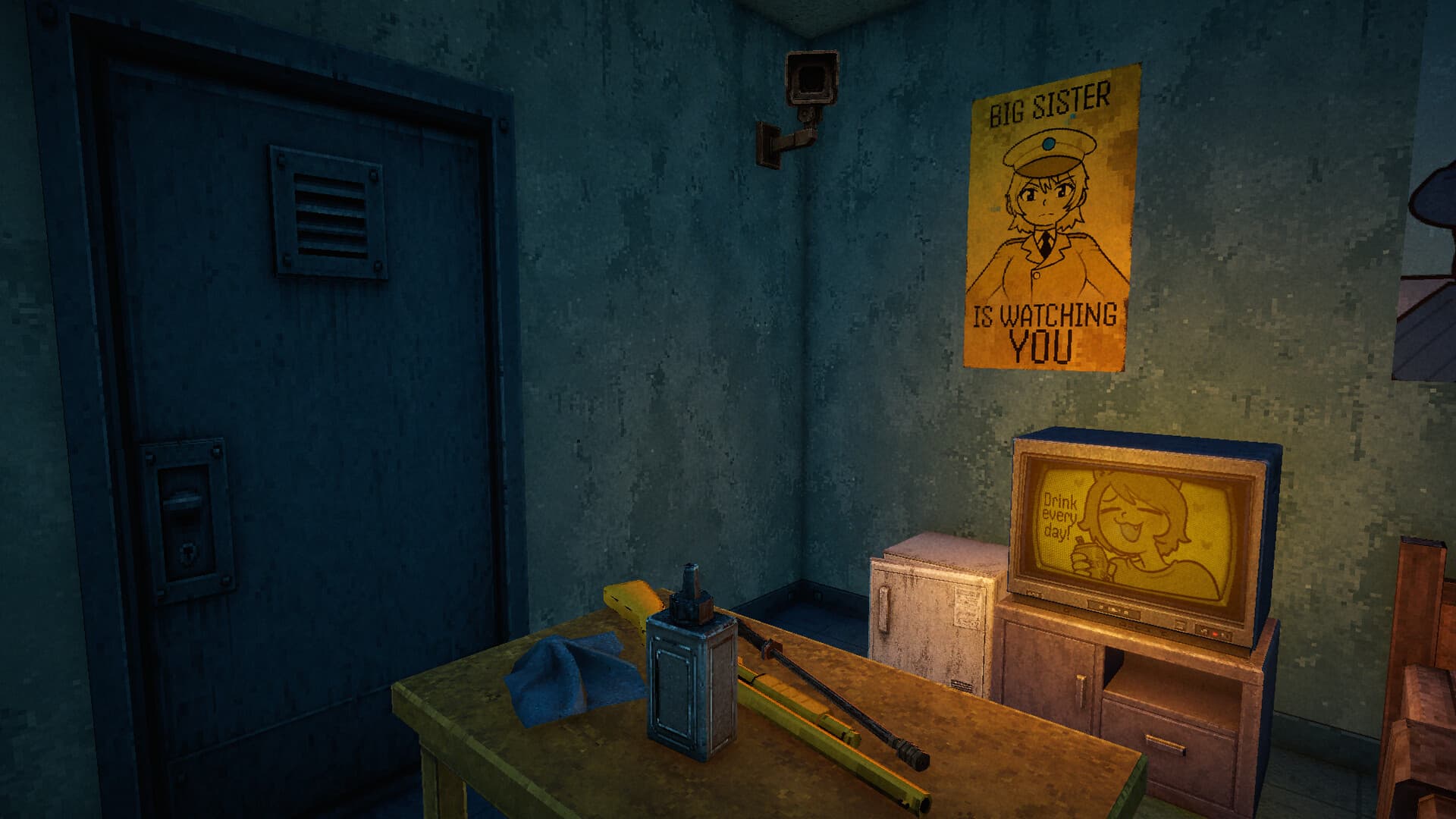
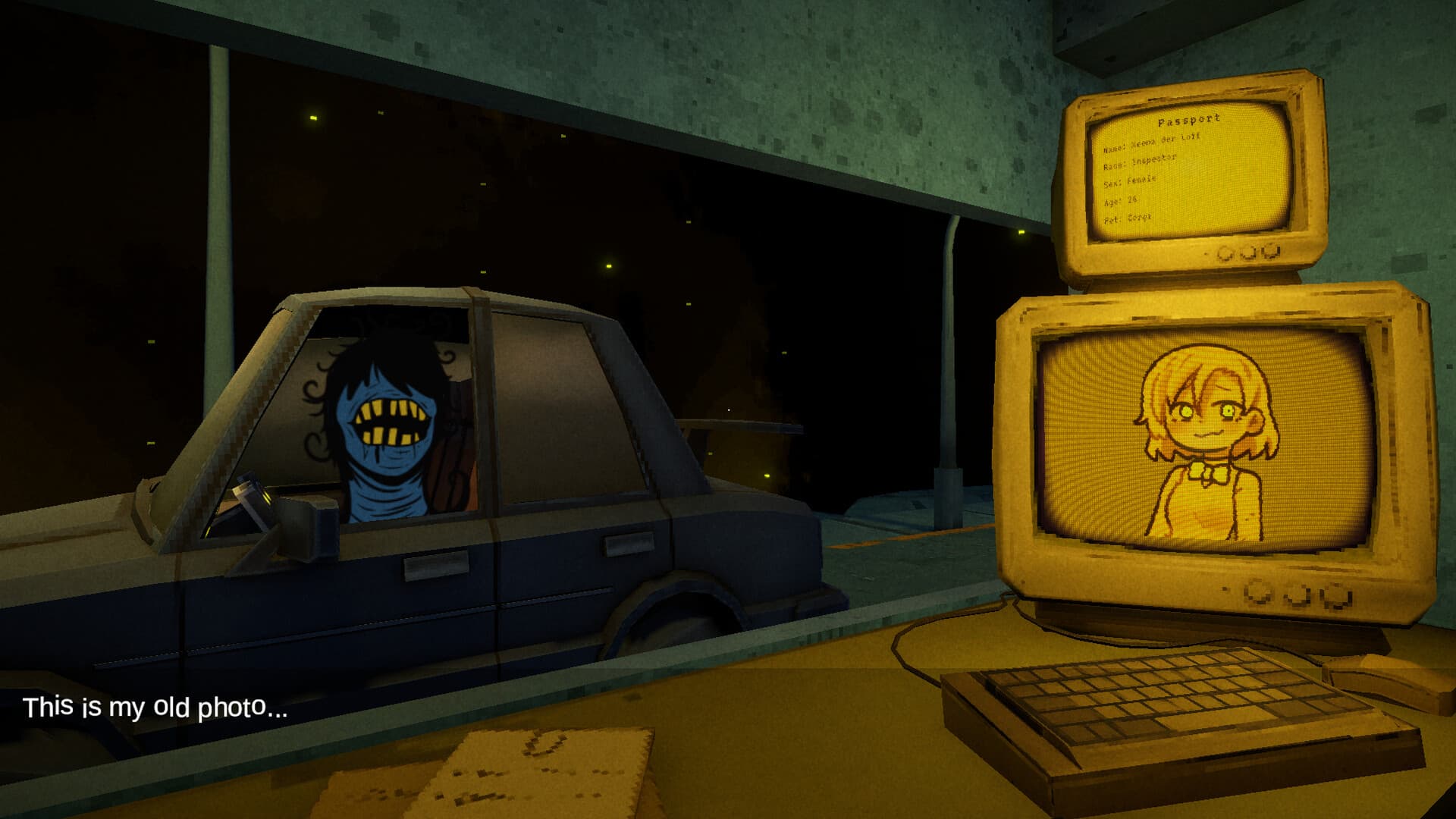
The Steam screenshots are the most useful material for understanding the game quickly: alien inspection, vehicle checks, dark checkpoint scenes, and the overall space customs mood.
How to use these images
If you are deciding whether to try the demo, look at the screenshots before downloading. They show the tone more directly than a long description: cramped inspections, strange travelers, vehicles, and a tense customs checkpoint.
For accurate availability and downloads, pair this gallery with the safe download and demo pages. Images can show the game, but Steam remains the source for installation and release status.



FAQ
Are these official XenoFeels images?
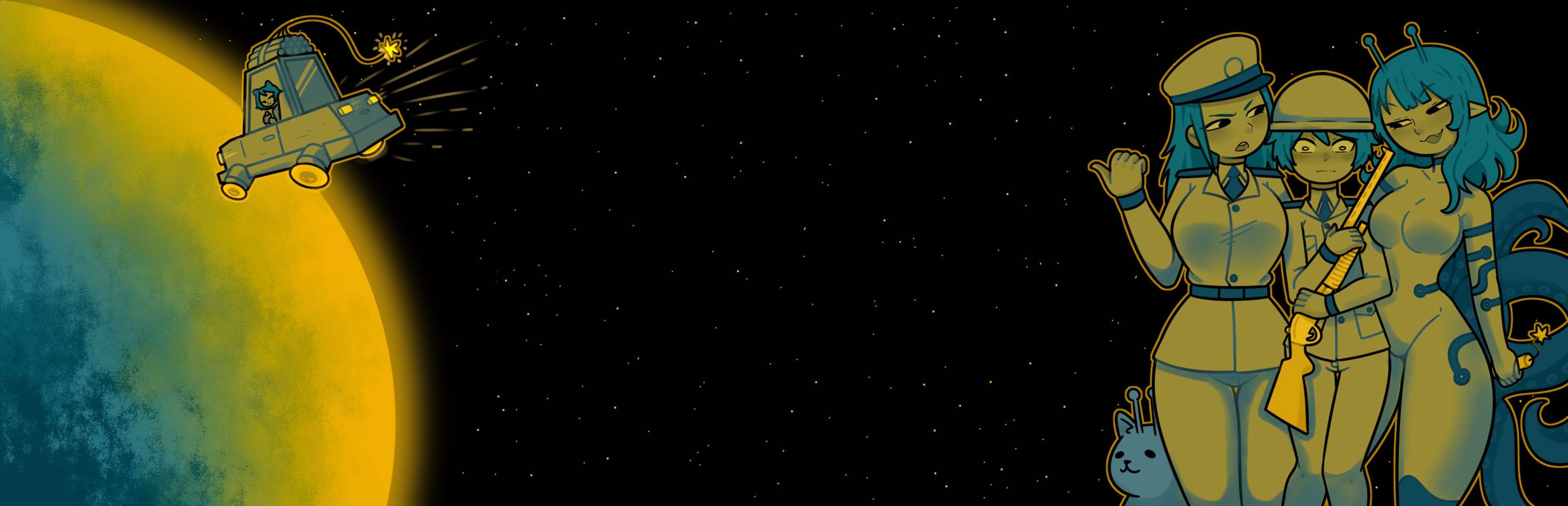
Most gallery items are Steam media images from the XenoFeels store page, with additional archived reference-site artwork.
Can I use the images to check gameplay?
Yes. The screenshots are useful for understanding the inspection interface, vehicles, and dark customs tone.
Where should I check release status?
Use the release date page and the official Steam page for status.