
Start here
XenoFeels is a space customs simulator listed for 2026.
You inspect aliens, documents, photos, vehicles, license plates, and suspicious cargo before deciding whether someone is an impostor. XenoFeels also has a preview app listing, so the safest path is the official store page, not third-party installers.
If you want to play now, start with the safe download and preview pages. If you are waiting for the full XenoFeels release, check the release date and updates. If you are already playing, use the how-to-play and inspection pages to slow down and catch more clues.
XenoFeels is still a coming-soon game, so the useful approach is to separate confirmed details from guesses. Here you can quickly check availability, PC requirements, safe install choices, screenshots, and first-run tips without wading through risky download claims or unconfirmed launch rumors.
XenoFeels facts
- Main App ID
- 4293910
- Preview App ID
- 4791300
- Release Window
- 2026
- Platform
- Windows PC
- Developer
- KotaMota Games
- Genres
- Adventure, Indie, Simulation
Find what you need
Download safely
Use the official store, avoid fake APK pages, and skip cracks or mirror installers.
Check release status
See why the current public answer is 2026 and what could change.
Can your PC run it?
Compare the minimum and recommended Windows PC specs.
Try the preview
Use your first run to learn documents, photos, vehicles, and clue checks.
Learn the rules
Understand documents, photos, vehicles, contraband, and decisions.
Catch impostors
Use a practical checklist for documents, appearance, plates, and cargo.
Browse screenshots
Inspect screenshots and archived artwork before downloading.
Read updates
Track release status, preview availability, and confirmed changes.
How it plays
Every traveler is a small case file.
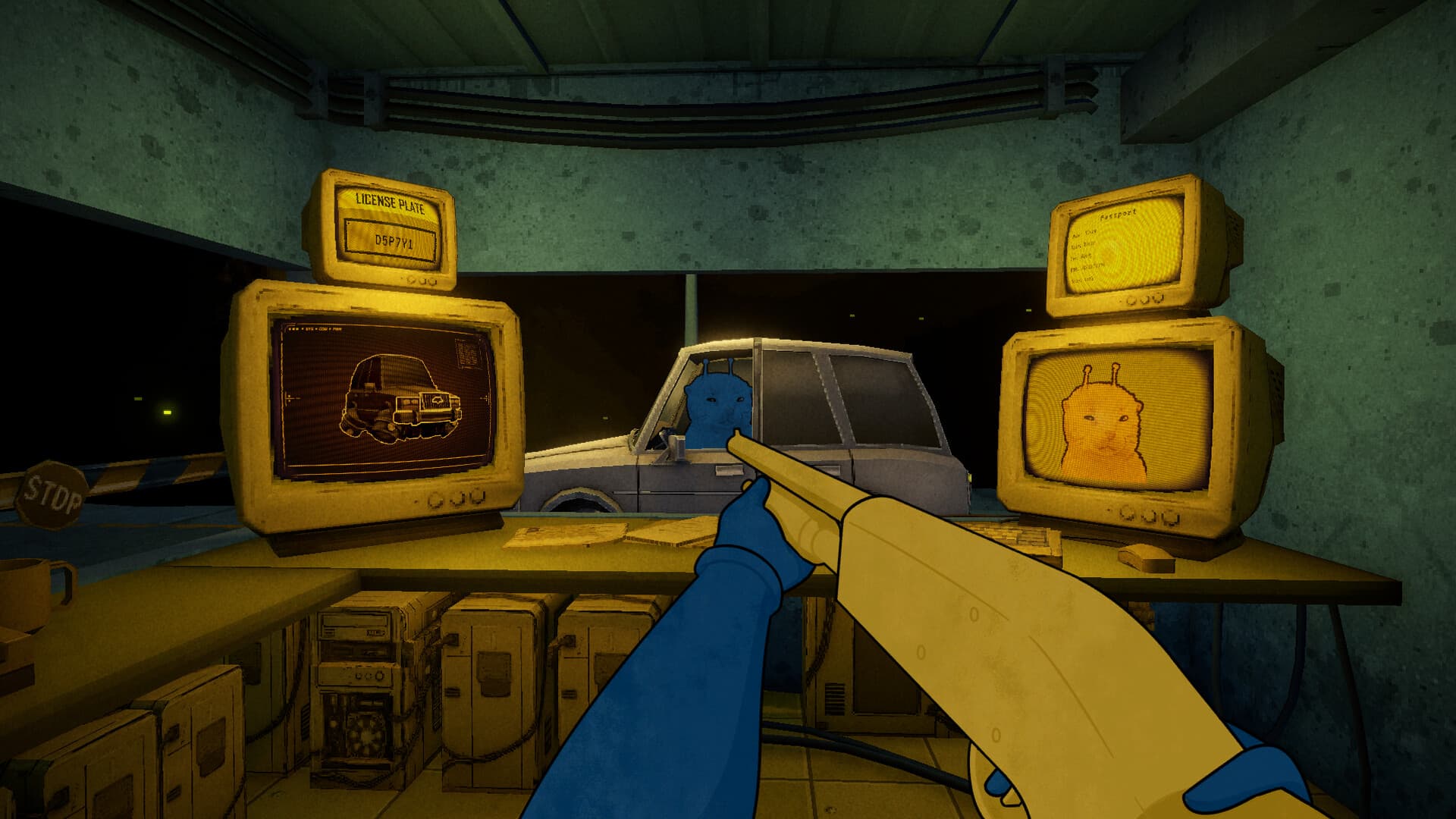
XenoFeels is about comparison under pressure. A traveler arrives at a tiny asteroid checkpoint, and your job is to decide whether the person, documents, photo, vehicle, license plate, and cargo all make sense together.
The store description mentions document errors, poor disguises, fake license plates, and prohibited objects hidden in cars. That means a good run is not only about reading text; it is about building a repeatable inspection habit before you approve, stop, or shoot.
The playable preview is the best place to learn those habits. Check the settings, make sure visual details are readable, and replay the first cases until you understand what kinds of differences the game expects you to notice.
That loop gives XenoFeels a different pace from a normal hidden object game. You are reading clues, watching the visitor, making a risky call, and dealing with the pressure of being wrong. The official description also leans into dark comedy and mental strain, so the checkpoint is not just a menu of rules; it is a place where confidence can slip as the day gets worse.
First run
What to check first
XenoFeels is easier to learn when you treat every visitor as a layered case. Start with the document because it gives you the names, numbers, dates, and stated identity that the rest of the scene should support. Then compare the photo with the alien in front of you. A disguise, a wrong face detail, or a strange mismatch can matter as much as a typo.
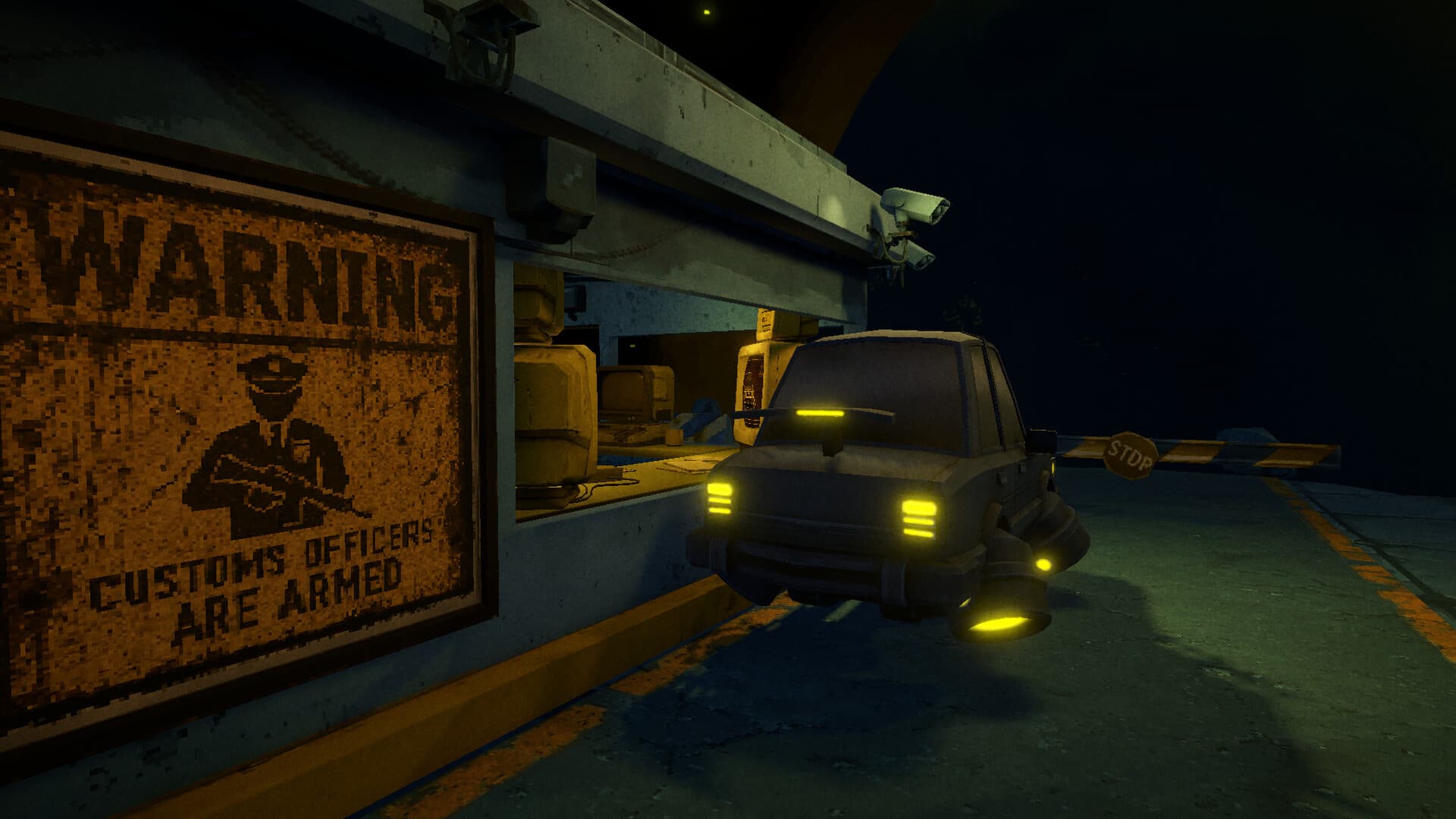
After the person check, move outward. Look at the vehicle, license plate, cargo space, and any object that seems out of place. The point is not to rush toward the dramatic decision; it is to build a repeatable order so you notice small clues before you approve a traveler or use force. Use the inspection guide when you want a checklist, and the how-to-play page when you want the broader rules explained in plain language.
Current status
What is confirmed now
The confirmed details are limited but useful. XenoFeels is listed for Windows PC with a 2026 release window, KotaMota Games is shown as both developer and publisher, and the game is grouped under Adventure, Indie, and Simulation. The official listing also shows English and Russian support, game media, five screenshots, and preview app ID 4791300.
That is enough to answer the most common questions without guessing. If you need availability, read the release page. If you need to know whether your computer is ready, compare the requirements. If you are watching for changes, use updates for the latest availability notes instead of rumors, reposted claims, or download pages promising more than the official listing confirms.
Media
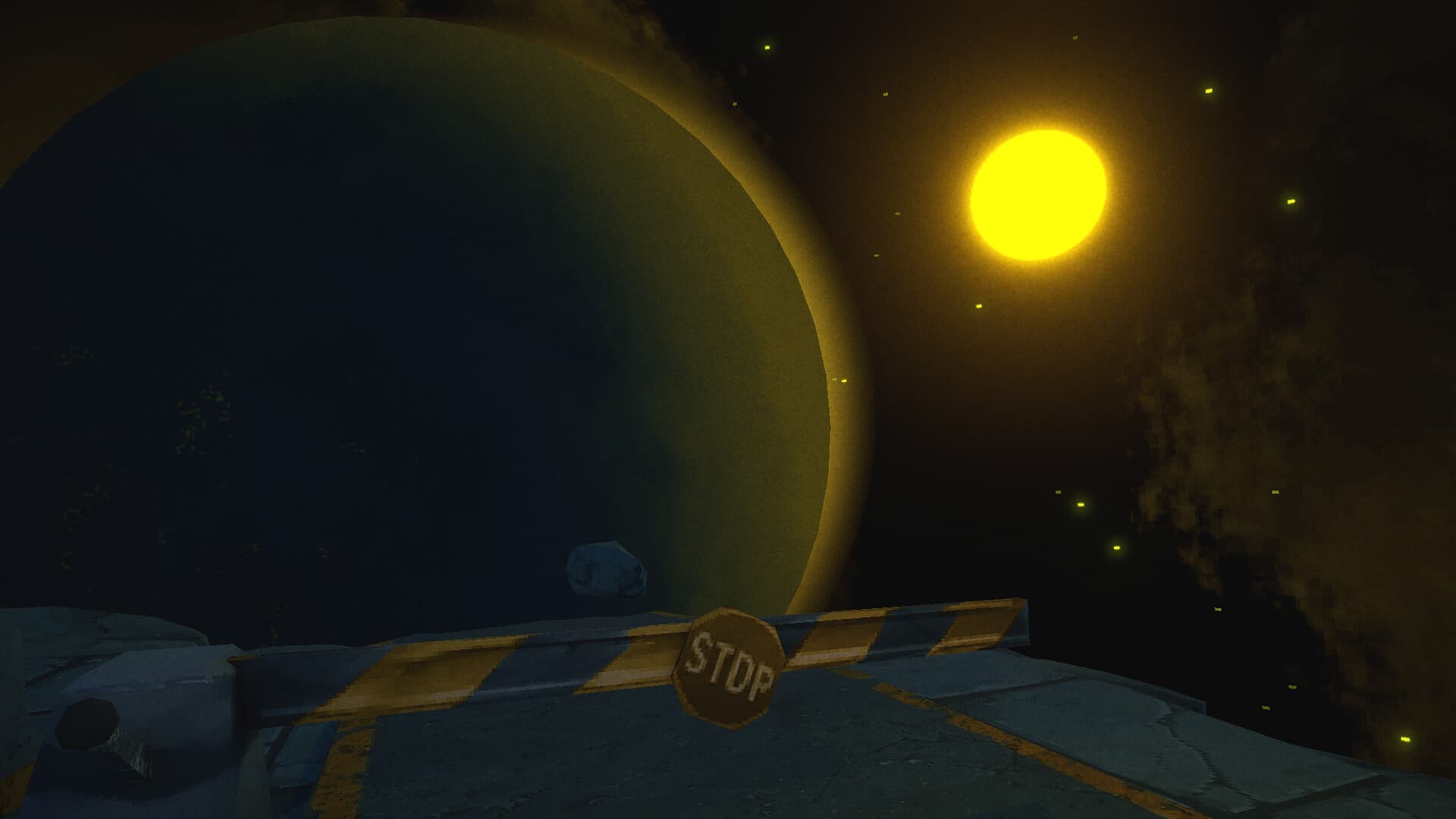
XenoFeels screenshots, ready to inspect.
Latest update
2026-06-20: XenoFeels is listed as coming in 2026, with preview app ID 4791300, Windows support, English and Russian full audio, and five screenshots.
Read update logQuick answers
Is XenoFeels out?
XenoFeels is currently listed for 2026, so the full game should be treated as coming soon. Use the release date page when you want the latest availability summary without guessing a day or month.
Can I try XenoFeels before release?
Yes. XenoFeels has a preview app listing, ID 4791300, which is the safest lead for trying it before launch. If the preview button is not visible in your region or client, check the official store again later rather than using mirrors.
Where should I download XenoFeels?
Use the official store page for XenoFeels. Avoid cracks, repacks, APK mirrors, and third-party executables because those pages can borrow the game name without being an official release path.
What kind of game is XenoFeels?
XenoFeels is a space customs simulator about comparing alien travelers, documents, photos, vehicles, plates, and cargo. The appeal is not only spotting one mismatch; it is learning a calm inspection routine while the checkpoint becomes stranger and more stressful.